Ford APIM: SYNC 2, SYNC 3 or SYNC 4? Which Module You Have (2026)
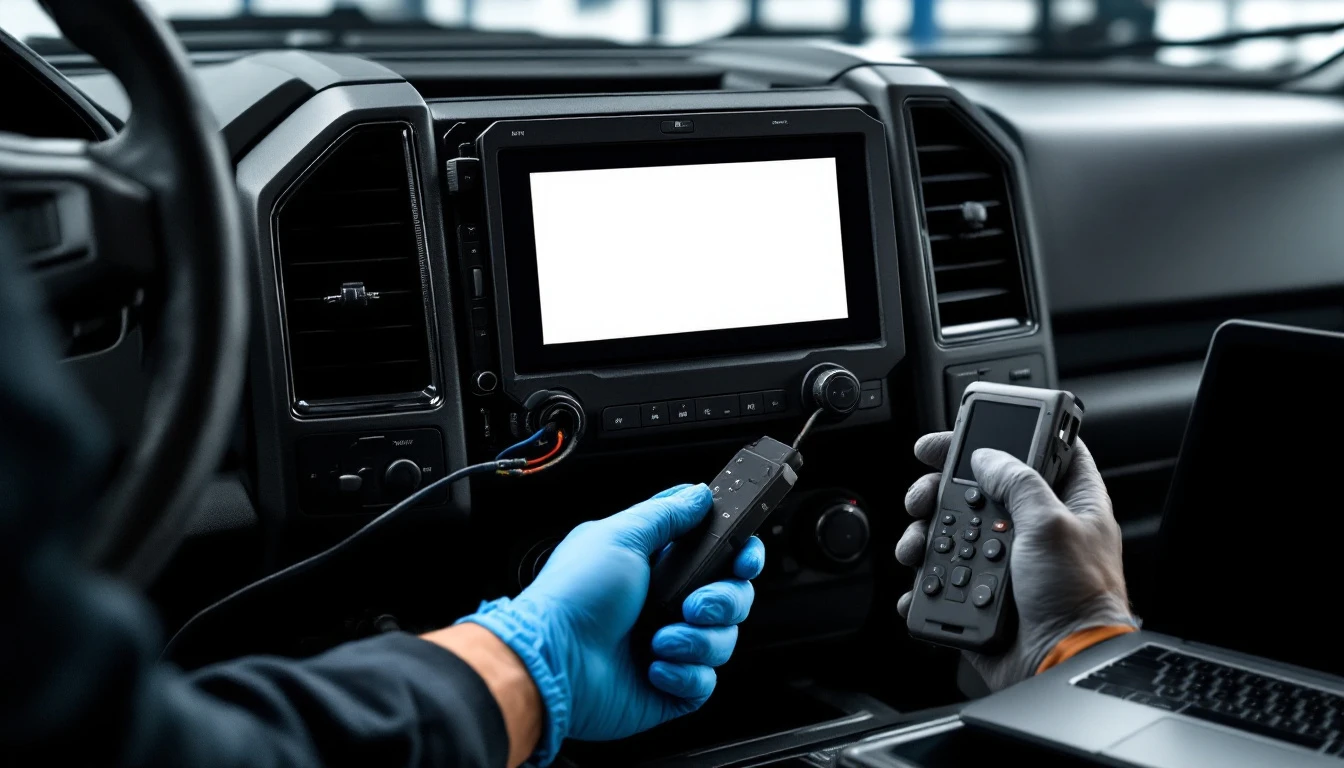
As of October 2026, the Ford APIM (Accessory Protocol Interface Module) is the computer behind the SYNC touchscreen, and the module in your vehicle belongs to one of a few generations: early SYNC, MyFord Touch and SYNC 2, SYNC 3, or SYNC 4. They are not interchangeable. Before you buy or program a replacement APIM, identify the generation from the screen and the vehicle's VIN, because the wrong generation cannot be fixed with software.
Search results for "APIM Ford" mostly answer what the letters stand for. This guide answers the question that comes next for anyone with a dark screen or a boot loop: which APIM is actually in my truck, and what does that change? We cover how to tell the generations apart by looking at the dash, which Ford models in Fort Worth tend to carry which generation, what is the same and different about programming each, and where the honest limits are. For the full explanation of what the module does and how as-built configuration works, see our Ford SYNC APIM module programming guide; this page is the identification and compatibility companion to it.
We are a mobile-only service. Module work happens where the vehicle sits, anywhere in Fort Worth and the surrounding Tarrant County area.
The Generations at a Glance
The table is an identification aid. Years are approximate because Ford phased each generation in by model and trim, so confirm against your own vehicle rather than trusting a year alone.
| Generation | How the screen looks and behaves | Roughly when | What it means for replacement |
|---|---|---|---|
| Early SYNC | Small display or text-only radio display, voice commands, USB and Bluetooth | Late 2000s to early 2010s | Older hardware; often a different module than later generations |
| MyFord Touch / SYNC 2 | Four-quadrant home screen, gauges with small side displays on many trims, touch and physical buttons | About 2011 to the mid-2010s | Replacement needs the right hardware revision and an as-built write |
| SYNC 3 | Flat, tile-style home screen, fast and responsive touch, swipe and pinch on most | About 2016 to the early 2020s | Larger software-version variation; as-built and software level both matter |
| SYNC 4 / newer | Large touchscreen, cloud-connected features, more over-the-air behavior | About 2020 and newer on many models | Often gateway-protected; authorization may be required |
If your truck has a touchscreen and you cannot tell which row fits, send us a photo of the home screen and the VIN. That is usually enough to place it.
How to Tell Which APIM You Have
Four quick checks, in order of reliability.
1. Look at the home screen. A four-quadrant screen with dark panels points to MyFord Touch or SYNC 2. A clean tile layout with large icons points to SYNC 3. A large portrait or oversized landscape display with a more app-like layout points to SYNC 4. If the screen is dead, check the next item instead.
2. Look at the model and trim. Base trims on some models kept simpler radios while upper trims carried the touchscreen, so two trucks from the same year can carry different modules. The trim code on the door sticker and the build sheet by VIN resolve this.
3. Read the module label. The APIM sits behind the center stack, and its label shows a part number, a hardware revision and a date code. A removal gives you this, and the replacement must match the part family, not just the look.
4. Scan the vehicle. A diagnostic scan lists the APIM, its software level and its stored VIN. If the module is not responding, that is itself informative: see our scan tool won't connect guide for how to separate a dead module from a port or network problem.
Why Generation Matters More Than Appearance
Two APIMs that look alike on a parts site can be different internally. The generation sets the hardware, the operating system, the configuration format and the update path. That has three consequences.
A replacement must match the generation. A SYNC 3 module will not run a SYNC 2 vehicle, and the reverse is also true. A mismatch is not something configuration can repair.
The hardware revision within a generation matters. Ford revised the hardware during each generation's run. A used module from an earlier or later build may need a particular software level to run at all.
The software level affects behavior. A module that is several versions behind may misbehave in ways that look like a configuration error. A module that is ahead of the vehicle's other modules can do the same. Matching the level is part of the job.
Those are the reasons a "bad APIM" diagnosis should begin with the module's identity, not the price of a replacement.
Model Families and the APIM They Tend to Carry
These are patterns from our work in Fort Worth, not a lookup table. Confirm by VIN before you buy a part.
F-150 and Super Duty. The pickup models that make up much of Fort Worth's traffic. Mid-2010s F-150s straddle SYNC 2 and SYNC 3 depending on the build date, and newer trucks run SYNC 3 or SYNC 4. Our F-150 key replacement and PATS guide and Super Duty key and module guide cover the other modules on those trucks.
Explorer and Expedition. Upper trims often carried the touchscreen earliest, and a lot of Explorers of the early 2010s carry MyFord Touch. See our Explorer and Expedition guide.
Escape, Edge and Fusion. SYNC 2 on early-to-mid 2010s builds, then SYNC 3 on later ones. These are the most common source of "my screen is black" calls among family vehicles.
Mustang. A mix of generations by year, with performance trims carrying more features that depend on a correct as-built.
Bronco and Ranger. Newer platforms that lean toward SYNC 3 or SYNC 4. See our Bronco and Ranger module and key guide.
Transit and work vans. Many commercial-grade builds carry simpler radios or a different module family; treat these separately.
What Is the Same Across Generations
Every generation, from SYNC 2 on, shares the same three-step logic for a replacement module: a VIN write, an as-built configuration write and the right software level. The module sits on the vehicle's communication network next to the body, powertrain and restraint modules. When it does not finish startup, it can produce symptoms that look unrelated, such as an overnight battery drain or phantom chimes. If you suspect that, our battery drain from keyless and module faults guide explains the pattern.
What Differs by Generation
SYNC 2 and MyFord Touch. Known for boot loops and black screens, many of which are software problems that can be recovered by reflashing. A recovered module saves the cost of a replacement. A failed internal storage device cannot be reflashed.
SYNC 3. A better-behaved platform with larger version variation. Feature sets such as phone projection depend on the software level, so a replacement module needs a level that matches what your vehicle shipped with or a path to the current one.
SYNC 4 and newer. More gateway protection. Reading codes works normally, while writes can require an authorized session with the manufacturer's online system, as with other secured modules. We tell you before we take the job whether your specific year and model requires it, and we do not promise a way around a manufacturer's security.
Early SYNC. Frequently a different module architecture from the later generations, so the same advice about matching generation applies.
Used, New or Reflashed
A reflashed module that recovers keeps its identity and needs no re-VIN. A new module arrives blank and is configured to your vehicle. A used module carries another vehicle's identity and needs its VIN, configuration and software level replaced. Used is the cheapest part, and it is also the riskiest, because its history is invisible and it may have been pulled for failing. Our used module programming cost guide and module cloning versus programming guide explain how those routes differ.
We do not list a fixed price for APIM work in this guide, because the range depends on generation, trim, whether the module recovers and the part chosen. Those jobs are quoted after the module is identified, and we give the number before any work starts.
How a Mobile APIM Visit Works
- Identify the generation from the screen, VIN and, if accessible, the module label.
- Stabilize power. Programming is a write operation, and a voltage sag mid-write can corrupt a module, so a dedicated supply goes on the battery first.
- Scan the whole network. Faults in other modules can create infotainment symptoms; finding them first prevents replacing a healthy APIM.
- Try recovery. Where the evidence supports it, reflash the existing module.
- If replacement is needed, verify the part against the VIN: generation, hardware revision, trim family and region.
- Write the VIN, the as-built data and the software level.
- Verify. Test the display, audio, phone pairing, voice recognition and cameras, then re-scan for leftover faults.
When Other Ford Modules Are Involved
An APIM job sometimes sits alongside other work. A replaced instrument cluster on many Fords carries immobilizer data; see our cluster programming cost guide. A replaced fuel pump driver module has its own relearn; see our FPDM programming guide. A body module job involves the anti-theft system; see our Ford BCM and SecuriLock guide. If you are unsure whether an independent specialist can handle your vehicle at all, our explainer on whether a locksmith can program an ECM or PCM describes the difference between programming specialists, general locksmiths and dealers.
What Not to Do
- Do not buy a module by appearance. Match the part number family and hardware revision to your VIN.
- Do not keep factory-resetting the screen. A boot loop that a reset does not fix is a software or hardware problem, and repeated resets do not help.
- Do not disconnect the battery repeatedly to force a restart; low-voltage events can make a marginal module worse.
- Do not trust a promise to "bypass" a secure gateway. Newer platforms require an authorized session.
- Do not assume the screen is the problem. The display, the wiring, power and ground can look identical to a dead APIM.
Get Your Module Identified
Send the year, model, trim, a photo of the home screen and the VIN, and tell us what the screen does: dark, looping, no audio, or phantom restarts. We will place it in the right generation, tell you whether recovery is likely, and quote before we arrive. Fort Worth Locksmith & Computer Programming is mobile-only and available 24/7 at (817) 668-3801, or use the contact page. The service is described on our module programming page.
Frequently Asked Questions
What does APIM stand for on a Ford?
APIM stands for Accessory Protocol Interface Module. It is the computer that runs the SYNC infotainment system on a Ford, driving the touchscreen, phone pairing, voice recognition and audio routing, and exchanging messages with other modules on the vehicle network. Replacing one is a programming job, not a plug-and-play swap.
How do I know whether my Ford has SYNC 2, SYNC 3 or SYNC 4?
Look at the home screen. A four-quadrant screen points to MyFord Touch or SYNC 2, a tile-style screen with fast touch points to SYNC 3, and a larger, more app-like display points to SYNC 4. If the screen is dead, the VIN, trim code or a scan of the module settles it. Years overlap, so confirm rather than guess.
Can I swap a SYNC 3 APIM into a SYNC 2 truck?
No. The generations use different hardware, operating software and configuration formats, so a module from one generation cannot be made to run a vehicle built for another with programming alone. A replacement must match your vehicle's generation, and ideally its hardware revision and trim family.
Is a used APIM safe to install?
It can work well if the part number family, generation, trim and region match your VIN, because the part is much cheaper. The risks are an invisible history, since it may have been pulled for failing, and a donor from a different trim or region that rejects part of the configuration. Verify the part before buying and plan for programming after installation.
Why does my Ford screen boot loop or stay black?
Common causes are corrupted module software, a failing internal storage device, a power or ground fault, or a failed display or wiring. A corrupted-software boot loop can often be recovered by reflashing, which saves the cost of a module. A scan and power test tell you which one you have before any part is bought.
Do newer Fords need dealer authorization for APIM programming?
Many 2018-and-newer Fords place a secure gateway in front of the modules, and configuration and software writes can require an authorized session with the manufacturer's online system. Reading codes generally still works. We tell you before we take the job whether your specific year and model needs it.
Do you come to me for APIM work?
Yes. We are a mobile-only service and travel to the vehicle anywhere in Fort Worth and the surrounding area, 24 hours a day. APIM jobs are quoted after the module is identified, and we give the price before any work begins.